The user connects to the WiFi access point, where INFO entry page of the portal appears.
+
By selecting the subpage the user can review the contents of the portal. At the same time the user obtains Internet access (WiFi button).
+
Provider of INFO portal shows in detail information to the user such as: menus, promotions etc.
+
By clicking on the WiFi button, the user is redirected on the internet or a web page selected by the client.
ADVERTISING PORTAL
+
The user connects to the WiFi access point, where the entry page of the access point provider appears.
+
By clicking on the entry page the user is redirected to the content of the advertising portal.
+
By clicking on the ad the user is redirected to the page of the ad or page selected by the client.
MAXI PORTAL
+
The user connects to the WiFi access point, where the entry page of the access point provider appears.
+
By selecting the subpage the user can review the contents of the portal. At the same time the user obtains Internet access (WiFi button).
+
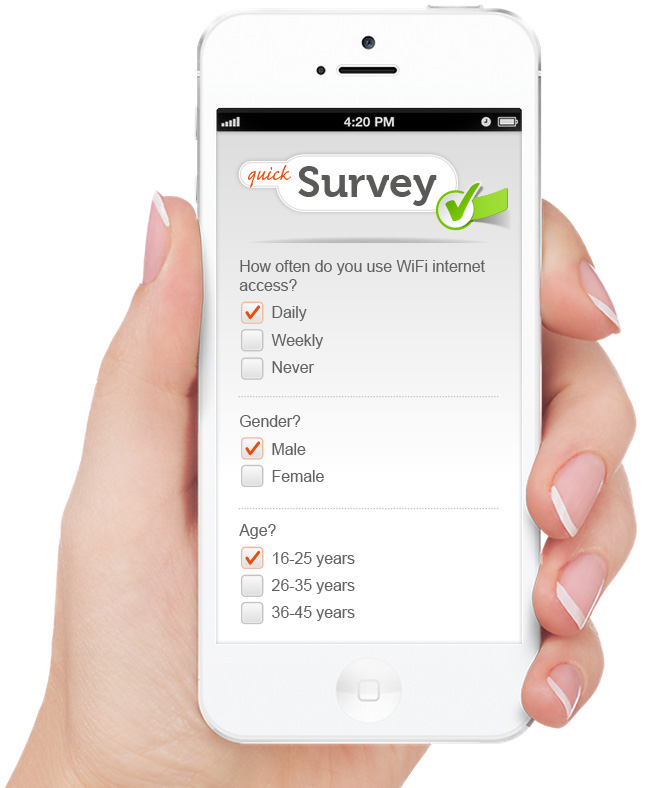
By clicking on the WiFi button at user's first log-in, a network survey appears.
+
After the survey is completed the user gains access to the Internet. The user is redirected to a web page selected by the client.
+
The user connects to the WiFi access point, where the entry page of the access point provider appears.
+
By selecting the subpage the user can review the contents of the portal. At the same time the user obtains Internet access (WiFi button).
+
By clicking on the content or WiFi button, the user is presented with ads or selected content. Upon re-entering the network, the user does not have to take the survey again.
+
By clicking on the WiFi button, the user is redirected on the internet or a web page selected by the client.